MRI Quality Control Made Simple: SpinLab’s QC Tracker

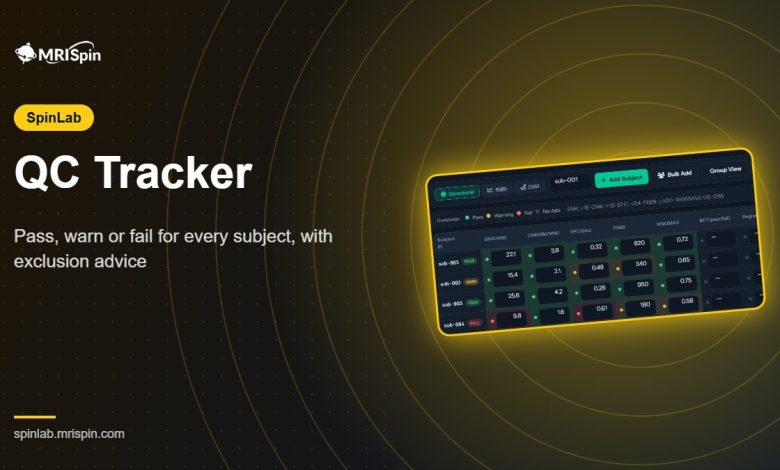
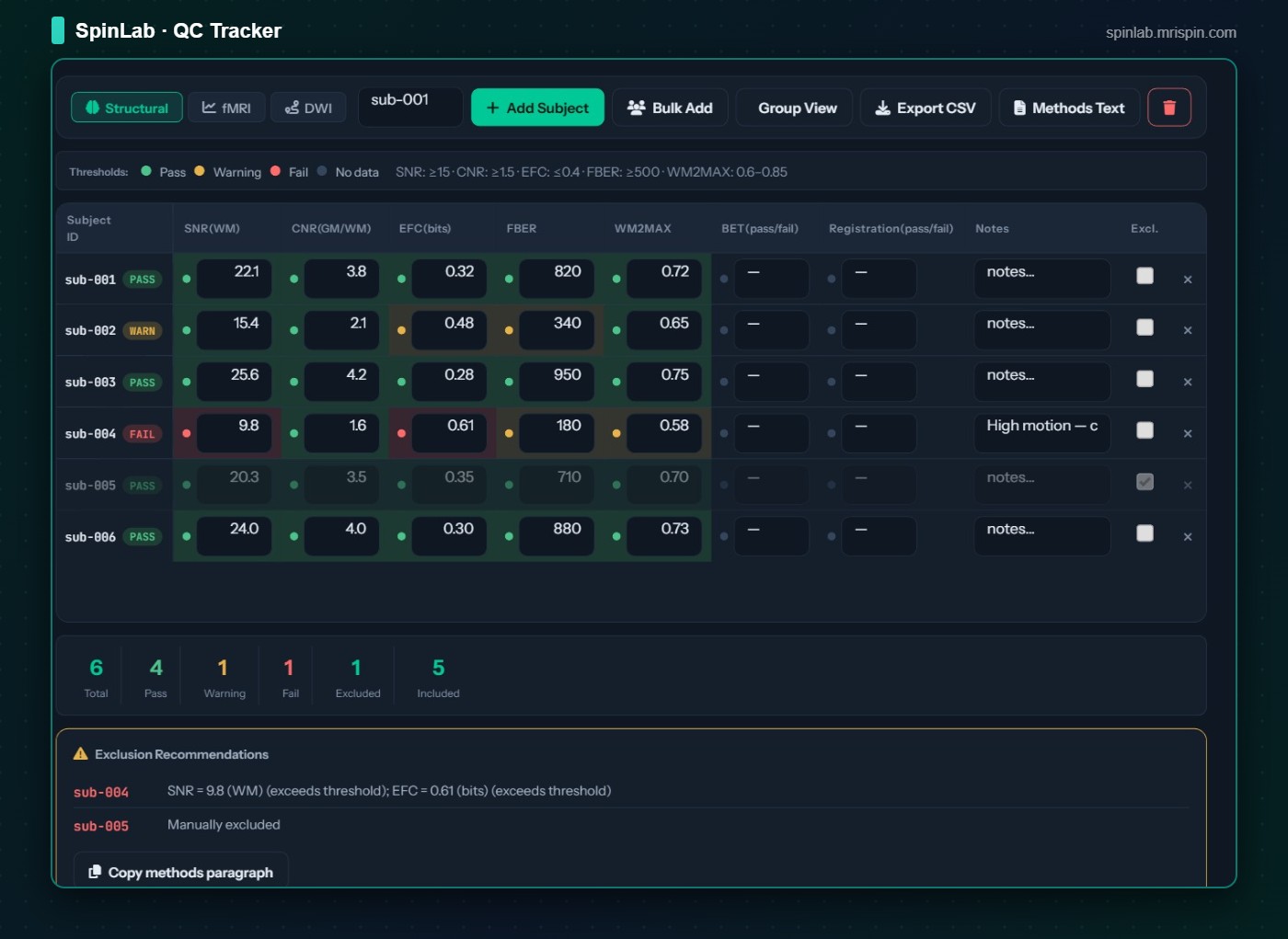
One poor scan can bias a whole group result. Head motion, ghosting or a coil problem can be hard to spot by eye in a large dataset, so most studies use image-quality metrics (IQMs) such as those produced by MRIQC. The SpinLab QC Tracker puts those numbers in one table, colours each one pass, warn or fail, and recommends which subjects to review or exclude.
The metrics and the default thresholds
| Metric | What it measures | Better when | SpinLab default |
|---|---|---|---|
| SNR | Signal-to-noise ratio | Higher | ≥ 15 |
| CNR | Grey–white matter contrast-to-noise ratio | Higher | ≥ 1.5 |
| EFC | Entropy focus criterion: ghosting and blurring | Lower | ≤ 0.4 |
| FBER | Foreground-to-background energy ratio | Higher | ≥ 500 |
| WM2MAX | White matter intensity relative to the brightest voxels | Within range | 0.6–0.85 |
These defaults are a starting point. Thresholds depend on field strength, coil and sequence, so set them from your own site’s data where you can.
Step by step
- Run MRIQC (or another QC tool) on your dataset.
- Open spinlab.mrispin.com and choose QC Tracker.
- Paste or load the metrics for each subject.
- Adjust thresholds if your protocol needs it.
- Review flagged subjects visually, and record your decision.
In the example above, sub-004 fails with SNR 9.8 and EFC 0.61, so the tracker recommends reviewing it for exclusion.
The same check in Python
MRIQC writes a group table (for example group_T1w.tsv). This script flags subjects using the same thresholds:
import pandas as pd

df = pd.read_csv("group_T1w.tsv", sep="\t")

rules = {
    "snr_total": lambda x: x >= 15,
    "cnr":       lambda x: x >= 1.5,
    "efc":       lambda x: x <= 0.4,
    "fber":      lambda x: x >= 500,
    "wm2max":    lambda x: (x >= 0.6) & (x <= 0.85),
}

for col, ok in rules.items():
    df[col + "_pass"] = ok(df[col])

failed = df[~df[[c + "_pass" for c in rules]].all(axis=1)]
print(failed[["bids_name"] + list(rules)])
Good practice
- Never exclude on numbers alone. Look at the images of every flagged subject.
- Decide the rules before you look at the results of your main analysis.
- Report how many scans were excluded and why.
Related: check your protocol and write your methods section.
Last reviewed: 7 November 2026. SpinLab and SpinCalc are free tools developed by MRISpin. Screenshots show the tools as they were on this date and may change as the tools are updated. Generated scripts should be checked before use on real data.