Install FSL, FreeSurfer and Other Neuroimaging Tools on Windows with WSL 2

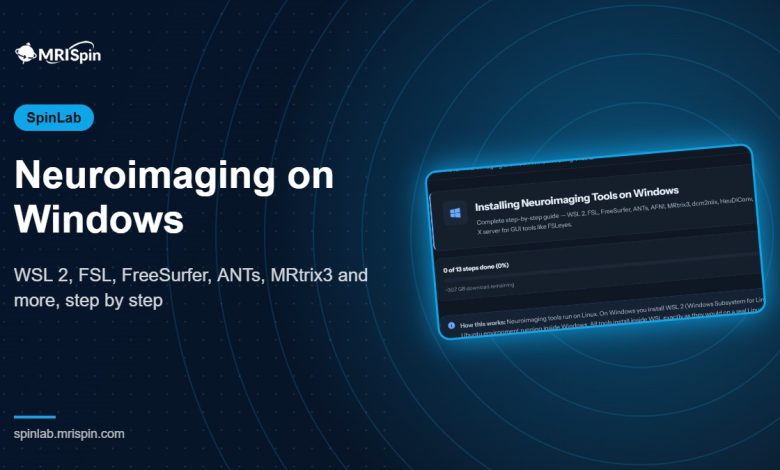
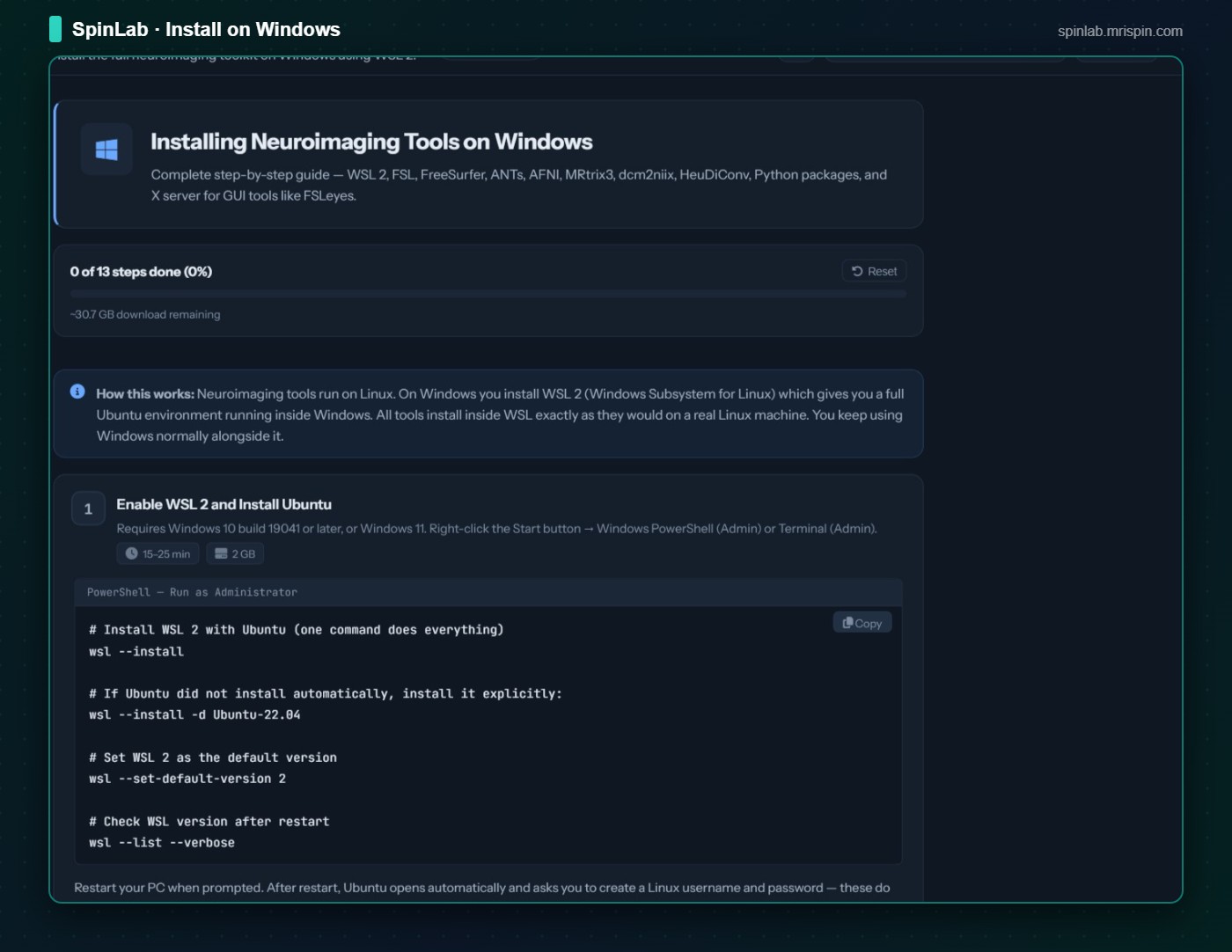
Most neuroimaging software (FSL, FreeSurfer, ANTs, MRtrix3, AFNI) is built for Linux and macOS. On Windows you do not need a second computer or a dual-boot: WSL 2 (Windows Subsystem for Linux) runs a real Ubuntu system alongside Windows. The SpinLab Install on Windows guide walks through the whole setup in 13 steps, with each command ready to copy and a tracker showing your progress.
Before you start
- Windows 10 (version 2004 or later) or Windows 11.
- Virtualisation turned on in the BIOS or UEFI settings.
- Plenty of free disk space. A full set of tools in the SpinLab guide needs about 30.7 GB.
- Administrator rights for the first step.
Step 1: install WSL 2 and Ubuntu
Open PowerShell as administrator and run:
wsl --installThis turns on the required Windows features and installs Ubuntu. Restart when asked, then open Ubuntu from the Start menu and create a Linux user name and password. Check that you are on version 2:
wsl -l -vStep 2: update Ubuntu
sudo apt update && sudo apt upgrade -ySteps 3 onwards: the tools
The guide then installs each package with the commands its developers recommend. Choose only what you need; each step shows its approximate size.
| Tool | Used for |
|---|---|
| FSL | Preprocessing, registration, FEAT, diffusion (FDT), BET |
| FreeSurfer | Cortical reconstruction and segmentation (needs a free licence file) |
| ANTs | High-quality registration and normalisation |
| MRtrix3 | Diffusion MRI and tractography |
| dcm2niix and HeuDiConv | DICOM to NIfTI and BIDS conversion |
| Python tools | NiBabel, Nilearn and friends for scripting |
Graphical programs (FSLeyes, freeview)
Windows 11 includes WSLg, which shows Linux windows directly. On Windows 10 you need an X server such as VcXsrv. Start it, then tell Ubuntu where to send windows:
export DISPLAY=$(grep nameserver /etc/resolv.conf | awk '{print $2}'):0
fsleyes &
Add the export line to ~/.bashrc so it is set every time.
Working with your files
- Your Windows drives appear under
/mnt/c,/mnt/dand so on. - For speed, keep data you process inside the Linux file system (for example
~/data). Reading many small files across/mnt/cis much slower. - From Windows Explorer you can open the Linux files at
\\wsl$.
Next: convert your first dataset to BIDS or fix installation errors with the Error Doctor.
Last reviewed: 7 November 2026. SpinLab and SpinCalc are free tools developed by MRISpin. Screenshots show the tools as they were on this date and may change as the tools are updated. Generated scripts should be checked before use on real data.