SpinLab Script Editor: write neuroimaging scripts with 30+ ready-made snippets

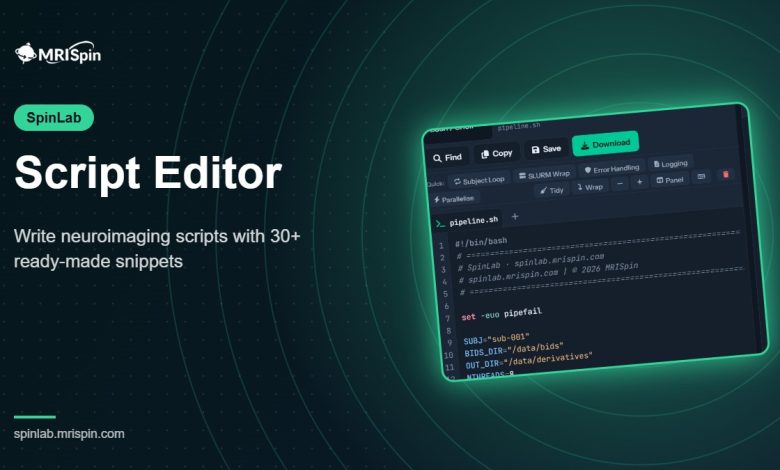
The SpinLab Script Editor is a code editor built for neuroimaging. It supports Bash, Python, MATLAB and R, comes with more than 30 ready-made snippets for FSL, FreeSurfer, ANTs, AFNI, MRtrix3, Python, BIDS and HPC work, and checks your script as you type. Scripts produced by the Pipeline Builder or the Study Wizard open here for editing.
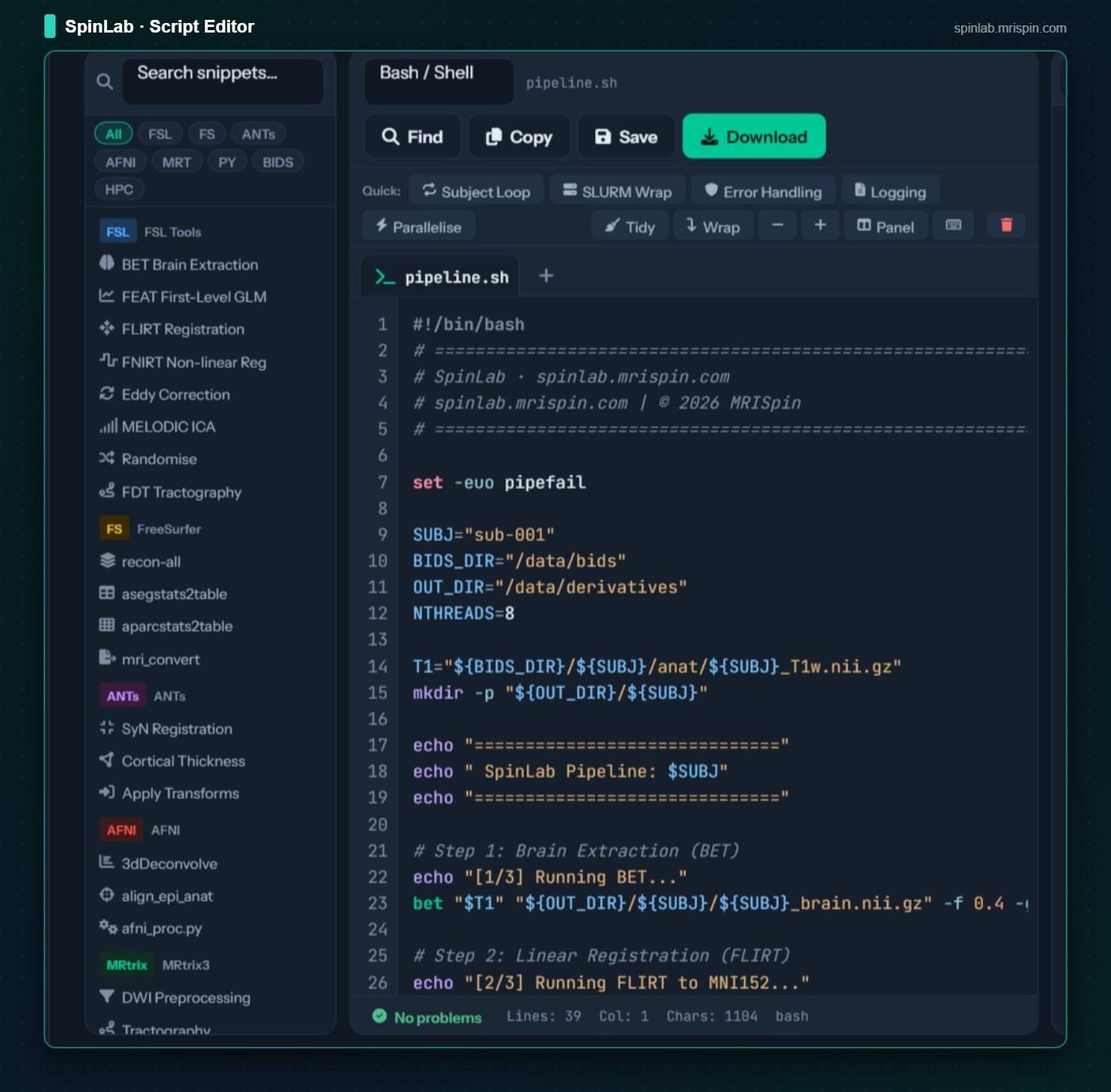
The three panels
| Panel | What it does |
|---|---|
| Snippet library (left) | Ready-made blocks grouped by tool: BET, FEAT, FLIRT, FNIRT, eddy, MELODIC, randomise and probtrackx for FSL; recon-all, asegstats2table and mri_convert for FreeSurfer; SyN registration and cortical thickness for ANTs; AFNI and MRtrix3 commands; and Python, BIDS and HPC templates. Filter by tool or search. |
| Editor (centre) | Language selector, find, copy, save and download, plus quick inserts: Subject Loop, SLURM Wrap, Error Handling, Logging and Parallelise. Tidy re-formats the script. |
| Checks, Outline and Explain (right) | Checks lists problems found in the script, Outline shows its structure, and Explain describes the command or variable under the cursor. |
Step by step: build a script for many subjects
- Choose Bash / Shell as the language.
- Insert a snippet, for example BET Brain Extraction, and edit its paths.
- Click Subject Loop to run it for every participant.
- Click Error Handling and Logging so failures stop the script and leave a record.
- For a cluster, click SLURM Wrap.
- Read the Checks panel (“No problems found” means the basic checks passed), then download the script.
What the building blocks look like
The quick inserts add standard Bash patterns. The examples below show the kind of code they produce and why each part matters.
Error handling
set -euo pipefail
trap 'echo "ERROR on line $LINENO (exit $?)" >&2; exit 1' ERR
-e stops on the first failed command, -u stops if a variable is used before it is set (a common cause of commands writing to the wrong folder), and -o pipefail makes a pipeline fail if any part fails. The trap reports where the error happened.
Subject loop
for SUBJ in $(ls -d "${BIDS_DIR}"/sub-* | xargs -n1 basename); do
    echo "Processing ${SUBJ}"
    T1="${BIDS_DIR}/${SUBJ}/anat/${SUBJ}_T1w.nii.gz"
    mkdir -p "${OUT_DIR}/${SUBJ}"
    bet "$T1" "${OUT_DIR}/${SUBJ}/${SUBJ}_brain.nii.gz" -f 0.4 -g 0 -B -m
done
Because BIDS names follow fixed rules, one loop can build every input path from the participant label.
SLURM job header
#!/bin/bash
#SBATCH --job-name=bet
#SBATCH --cpus-per-task=4
#SBATCH --mem=8G
#SBATCH --time=02:00:00
#SBATCH --array=1-30
SUBJ=$(sed -n "${SLURM_ARRAY_TASK_ID}p" subjects.txt)
On a cluster, a job array runs one copy of the script per participant. Each copy reads its participant from line SLURM_ARRAY_TASK_ID of a list file. Resource lines (CPUs, memory, time) must match your cluster’s rules.
Tips
- Keep scripts with your data in the BIDS
code/folder so that the analysis can be repeated. - Quote every path variable (
"$T1") so that spaces in folder names do not break commands. - Use the Explain panel to learn what an unfamiliar command or option does before you run it.
Related articles
Last reviewed: 7 November 2026. SpinLab and SpinCalc are free tools developed by MRISpin. Screenshots show the tools as they were on this date and may change as the tools are updated. Generated scripts should be checked before use on real data.