SpinLab: a free browser-based toolkit for MRI and neuroimaging research

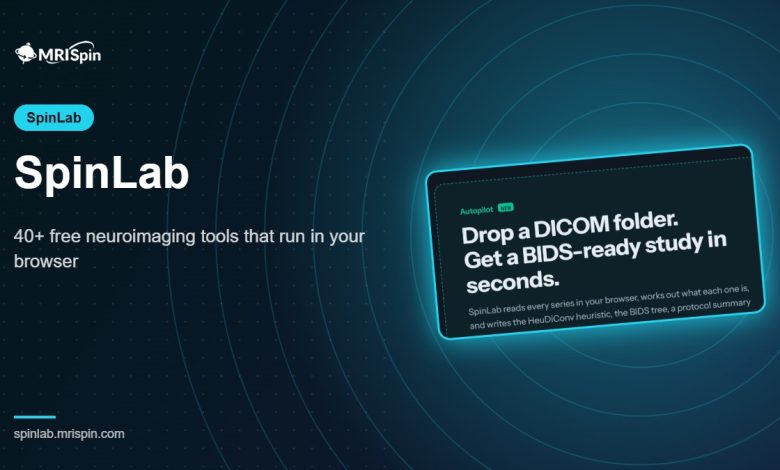
SpinLab is a free, browser-based toolkit from MRISpin for MRI and neuroimaging research. It brings together more than 40 tools that researchers, radiographers and students normally have to piece together from different websites, scripts and manuals. You can use it to convert DICOM data to BIDS, build processing pipelines, write scripts, check scan protocols, quantify ASL and sodium data, plan sample sizes and write the methods section of a paper.
Why SpinLab is different
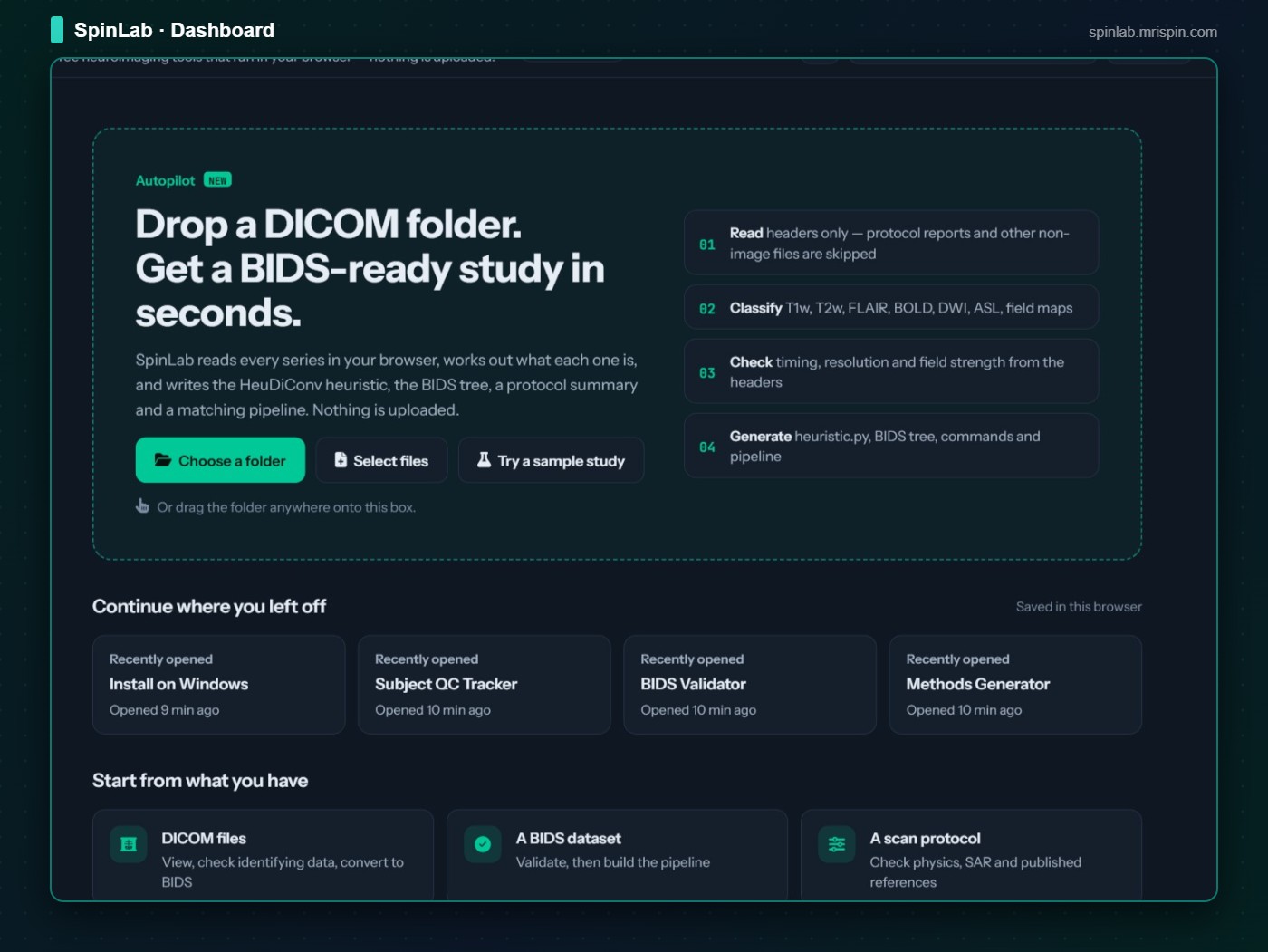
- Your data stays on your computer. DICOM, NIfTI and BIDS files are read inside your browser. Nothing is uploaded, so the tools can be used for identifiable data under your local governance.
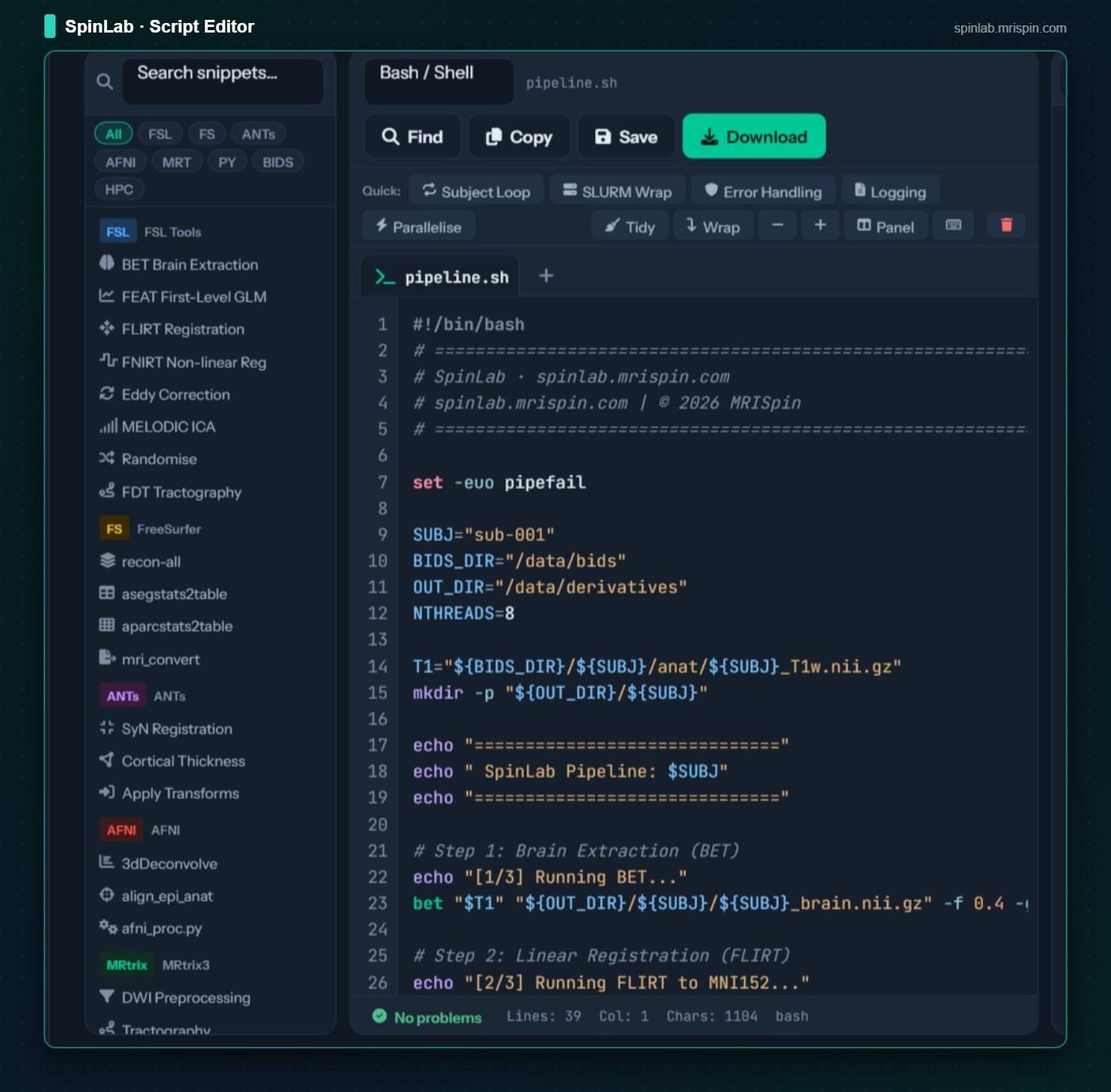
- It writes the code for you. Most tools end with a script you can run: heuristic.py files for HeuDiConv, Bash pipelines, SLURM jobs, FSL design files and oxford_asl commands.
- It explains what it does. Every step and parameter comes with a plain-language explanation and the published reference behind it.
- It works offline. SpinLab can be installed as an app, which is useful at the scanner console or on a cluster login node without internet access.
The tool groups
| Group | Tools | What they are for |
|---|---|---|
| Workspace | Autopilot, Script Editor, Pipeline Builder, Study Wizard, Heuristic Builder | Turn raw DICOM data into a BIDS dataset and a runnable pipeline |
| Data and QC | NIfTI Viewer, DICOM Inspector, DICOM Viewer, BIDS Validator, BIDS Browser, JSON Sidecar Editor, QC Tracker, Cohort Manager, Preprocessing Checklist, Brain Atlas, Segmentation Stats | View, check and track your data and its quality |
| Analysis and design | Power Calculator, ASL & Sodium Toolkit, FSL Design Builder, Protocol Checker, Study Calculator, Protocol Library | Plan the study, check the protocol and quantify the data |
| Publishing | Citation Generator, Methods Generator | Write a methods section and a bibliography for the tools you used |
| Reference | Command Hub, Script Library, Environment Checker, Glossary, TotalSegmentator, Documentation, Sources | Look up commands, copy scripts and check your installation |
| SpinAI | Error Doctor, Sanity Checker, Replication Assistant, Pipeline Diff | Fix errors and compare your work with published methods |
| Setup | Install on Windows, Install on Linux | Step-by-step installation of FSL, FreeSurfer, ANTs, AFNI, MRtrix3 and more |
A typical study in five steps
- Drop the DICOM folder into Autopilot to get the heuristic, BIDS tree and conversion command.
- Run the conversion and check the dataset.
- Open the suggested pipeline in the Pipeline Builder and export a Bash, SLURM, Snakemake or Nextflow script.
- Track image quality in the QC Tracker.
- Write up with the Methods Generator.
Tools for the scanner side
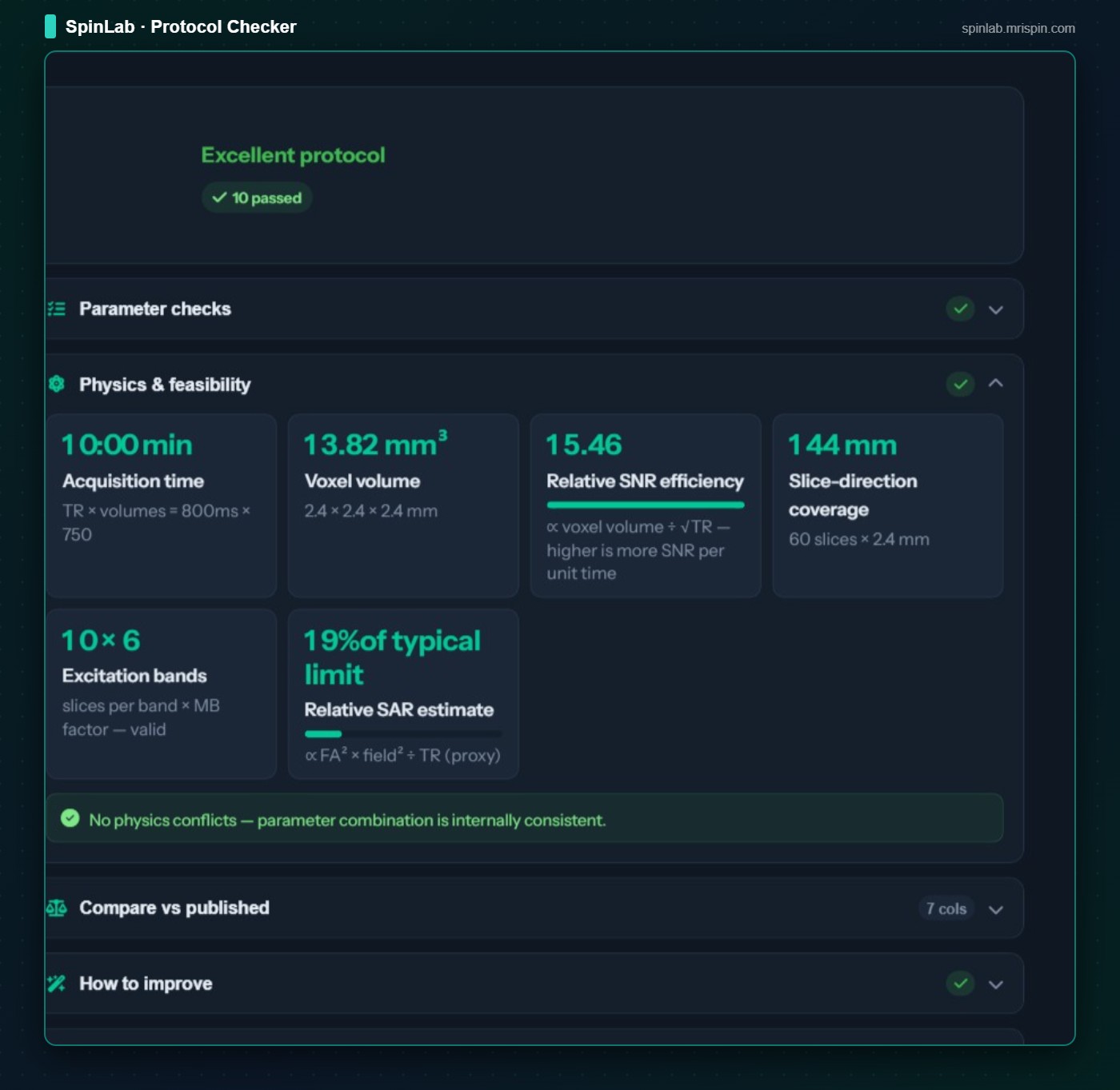
SpinLab is not only for data analysis. The Protocol Checker scores acquisition parameters against published protocols such as the Human Connectome Project and UK Biobank, and the ASL & Sodium Toolkit quantifies cerebral blood flow and tissue sodium concentration.
All SpinLab guides on MRISpin
- Autopilot: from a DICOM folder to a BIDS dataset
- The HeuDiConv heuristic.py and conversion script, explained line by line
- Pipeline Builder: from four questions to a runnable pipeline
- Script Editor and snippet library
- Protocol Checker
- ASL CBF quantification
- Sodium (²³Na) tissue concentration
- Power Calculator
- FSL Design Builder
- Error Doctor
- QC Tracker
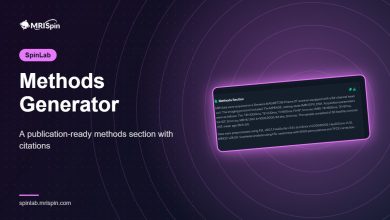
- Methods Generator
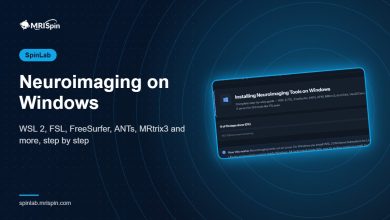
- Installing neuroimaging tools on Windows
SpinCalc: the companion renal calculator suite
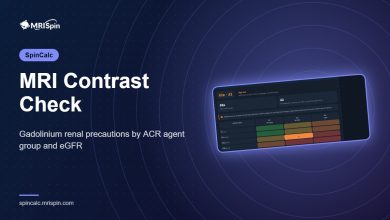
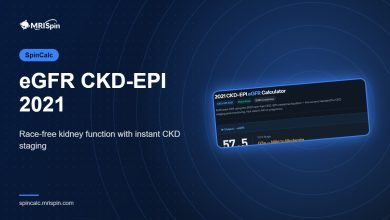
Many MRI studies and clinical scans need a kidney function check before gadolinium contrast. SpinCalc is MRISpin’s free renal calculator suite, with eleven GFR equations and clinical tools such as the MRI Contrast Check and the KDIGO risk heat map.
Last reviewed: 7 November 2026. SpinLab and SpinCalc are free tools developed by MRISpin. Screenshots show the tools as they were on this date and may change as the tools are updated. Generated scripts should be checked before use on real data.